Bulk Texter Pro now sends photos with iMessage

Bulk Texter Pro can now send photos with your bulk iMessages.
This was the most common request from iPhone users since we launched iMessage support — a flyer, a graded assignment, a gate code, anything that's easier to show than to type out.
How it works
Attaching a photo to an iMessage batch works exactly the same way it does on our other texting platforms: click Upload Photo in the message box, or drag a photo onto it, and it goes out with every text in the batch.
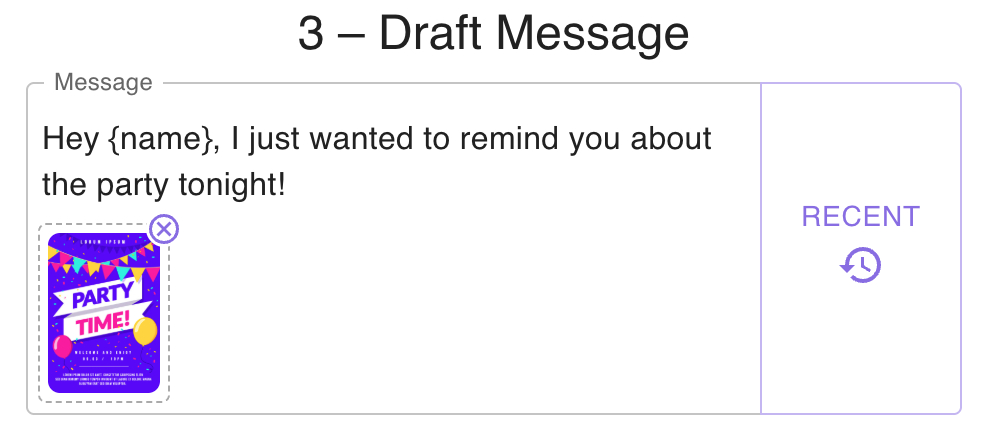
See our guide to sending photos for the full walkthrough, including size limits and how to remove or swap a photo before sending.
This required an update to our Apple Shortcut, so if you already have it installed, you'll need to update it to the latest version to send photos — see our Shortcut update guide for how.
Try Bulk Texter Pro freeQuestions, problems, or a platform you'd like us to support next? Email [email protected] — we read everything.