History
You can view previous text batches you've sent with Bulk Texter Pro by clicking History in the header.
For help troubleshooting issues in Bulk Texter Pro, see our Troubleshooting Guide and the video below:
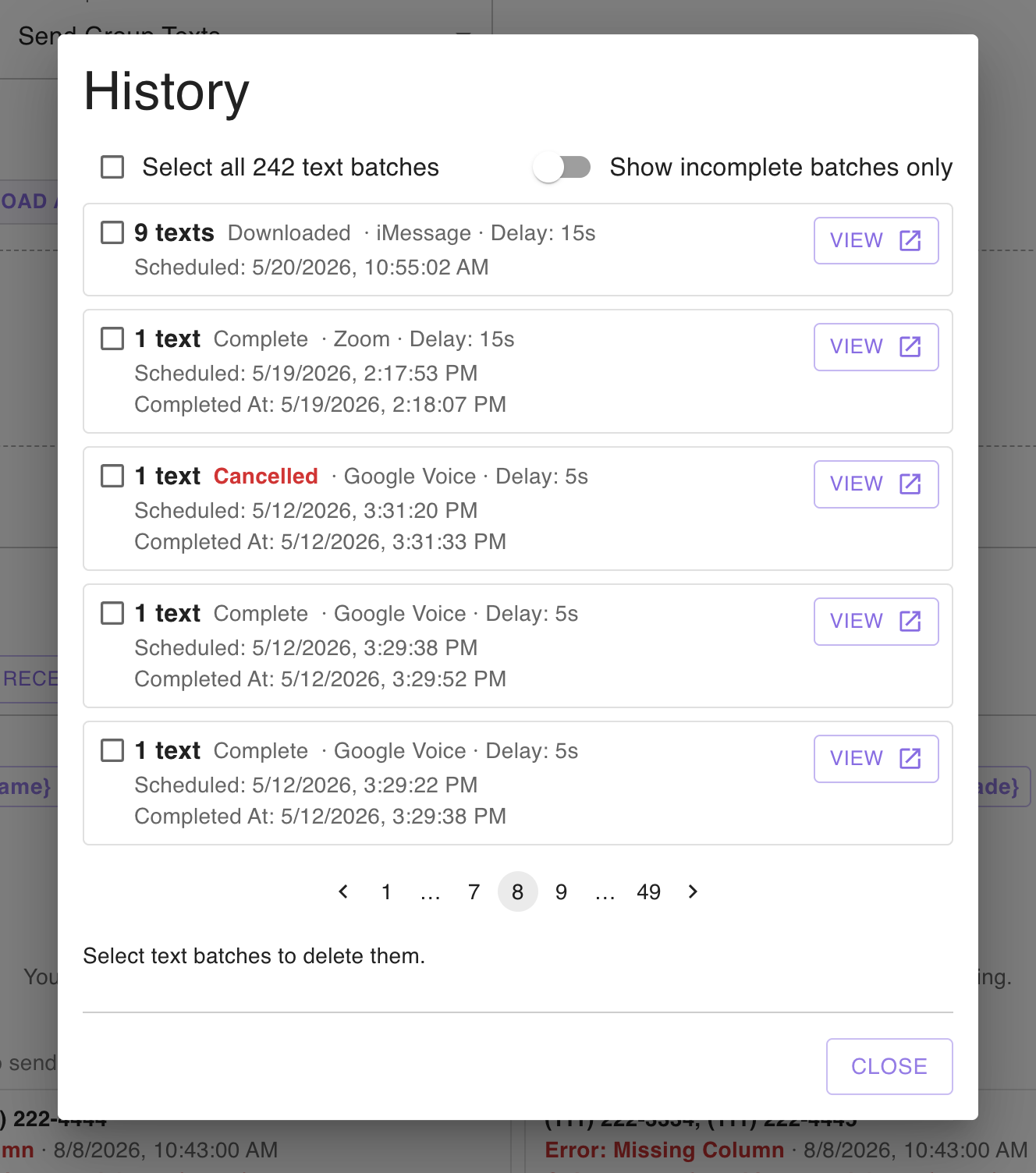
History lists every text batch you've tried to send, whether it succeeded or failed, newest first.
Showing only incomplete batches
Turn on the Show incomplete batches only toggle to hide batches that completed successfully, leaving just the ones that were cancelled, missed, interrupted, or errored.
This replaces the old Texts Not Sent section. When the toggle is on, opening a batch shows only the texts in it that were not sent – which is useful when you want to select them all and try again.
Batch details
To see the individual texts in a batch, click the View button on it.
The Batch Details window shows information about the batch – its status, when it was scheduled and created, which texting platform was used, the message template, and any attached photo – along with a card for every text and its individual delivery status.
From here you can:
- Search your texts by phone number, status, or message content.
- Select individual texts, or use the Select all checkbox.
- Send N texts again – see resending texts.
- Export N texts as CSV – download the selected texts, with their delivery status and any error details, as a spreadsheet.
- Click the expand icon to view every text in the batch on a single screen.
Deleting batches
Select one or more batches using the checkboxes, then click Delete N text batches at the bottom of the list.
Deleting old batches is also the quickest way to free up storage – see our FAQ on Bulk Texter Pro using too much space.